Network Equipment End of Support: Replace the Risk Before the Outage
A practical network equipment lifecycle checklist for verifying support dates, prioritizing exposed gateways, planning replacements, testing cutovers, and closing out retired devices.
A firewall can keep passing traffic after its security support ends. That makes a dangerous purchasing decision easy to postpone: if the internet still works, why replace the box? For a business that depends on remote access, cloud applications, or connected sites, working traffic is not evidence that the device can still be defended.
Southern California business owners and IT decision makers should treat network equipment lifecycle management as a planned operational change, not an emergency shopping exercise. The goal is to identify unsupported hardware and software, prioritize exposed systems, and prove the replacement works before retiring the old equipment. The checklist below is a recommended business workflow, not a manufacturer-specific migration procedure.
Why end of support matters even when the device works
A joint CISA, FBI, and UK National Cyber Security Centre fact sheet explains that unsupported edge devices no longer receive the manufacturer's defect monitoring and security fixes, and that threat actors can exploit unresolved security gaps to reach supported environments.[2] Read the joint end-of-support edge-device guidance.
That guidance recommends maintaining device inventories and support timelines, regularly reviewing them, and replacing unsupported edge devices.[2] The practical business response is to make support status part of the asset record and replacement budget rather than waiting for a hardware failure.
Keep the regulatory scope accurate: the same fact sheet states that Binding Operational Directive 26-02 applies to Federal Civilian Executive Branch agencies, while encouraging other organizations to follow the guidance.[2] Do not present the directive's federal requirements as a universal legal deadline for a privately owned California business.
1. Build an inventory that identifies the actual support question
Start at the internet perimeter, then extend the review to internal switching, wireless, and management systems. CISA specifically recommends an inventory of edge devices and their end-of-support dates, including reminders for upcoming dates.[3] See CISA's edge-device security practices.
For each in-scope device, collect enough information to verify the exact configuration:
- Identity: manufacturer, model, product identifier, serial number, hostname, and physical location.
- Software: installed firmware or operating-system release, build, and relevant controller or management-platform version.
- Role and exposure: internet edge, VPN gateway, internal switch, wireless controller, or another documented function; record whether management or service interfaces are reachable externally.
- Ownership: business owner, technical administrator, support provider, and person authorized to approve replacement.
- Entitlements: support contract, subscriptions, licensing account owner, and renewal dates, without storing credentials in the inventory.
- Support evidence: the manufacturer notice or support response, applicable hardware and software milestones, date checked, and any unresolved ambiguity.
Use authorized discovery and administrative records; coordinate any active scanning with the responsible operator. Include spare units and equipment at secondary locations. Mark an unverified device as unknown, not supported.
Do not substitute age or a renewal invoice for verification
Check the exact product and software release against the manufacturer's documentation. Ask which updates, technical assistance, replacement services, and security fixes remain available for that configuration. Record separate milestones where the vendor distinguishes them; do not assume a sales discontinuation date, subscription renewal, and final security-update date mean the same thing.
If an upgrade can move existing hardware to a supported release, require the administrator to verify compatibility, prerequisites, feature behavior, and entitlement before selecting that route. If the evidence is unclear, obtain written clarification rather than treating the absence of an alert as approval.
2. Prioritize exposure and business dependencies
Build a replacement queue around verified support gaps, internet exposure, administrative access, business impact, and recovery options. CISA's joint fact sheet highlights particular vulnerability where unsupported devices face the public internet or external systems.[2] An exposed unsupported gateway deserves an explicit decision, not a position at the bottom of a routine equipment-refresh list.
For each candidate, write down what a change could interrupt: site-to-site tunnels, remote workers, payment services, hosted applications, voice, surveillance access, or vendor connections. Confirm these dependencies with their owners. Separate a confirmed unsupported device from a supported device running an obsolete release; both need action, but the corrective work may differ.
If immediate replacement is blocked
Document the blocker, approving owner, interim controls, target replacement date, and review date. The joint fact sheet notes that the latest available update addresses vulnerabilities known up to that update; it is not a promise of future fixes for unsupported equipment.[2] Avoid describing a last firmware update as restored lifecycle support.
CISA recommends removing internet-exposed management interfaces or placing them behind separate zero-trust enforcement, applying vendor hardening guidance, and restricting unnecessary services.[3] Have an authorized administrator evaluate those controls for the installed environment. Interim restrictions should support a time-bounded replacement plan, not become a claim that unsupported hardware is safe indefinitely.
3. Design the replacement before ordering it
Create a requirements sheet that covers the business services and the physical installation. Evaluate a candidate against the intended enabled features and traffic profile, not just its fastest advertised forwarding number. Obtain vendor guidance where sizing or feature compatibility is uncertain.
- Connectivity: required interfaces, uplink media, supported transceivers, provider handoffs, addressing, routing, and tunnel peers.
- Security functions: required inspection features, authentication integrations, administrative access controls, logging, and alert delivery.
- Physical fit: rack space, mounting, airflow, electrical requirements, UPS connection, cable reach, and access for maintenance.
- Operations: licensing activation, account ownership, backup method, software maintenance, support escalation, and future lifecycle visibility.
- Acceptance: named application owners, test cases, expected results, rollback conditions, and evidence required for sign-off.
Verify the existing patching and port labels during the survey. Photograph authorized equipment views without exposing secrets. Resolve missing optics, adapters, power connections, and provider coordination before the maintenance window.
4. Stage the change and define a safe rollback
Require an approved change record with an operator, reviewer, communication plan, and clear authority to stop. Prepare the new device using the manufacturer's supported process. Review migrated policies rather than copying unexplained rules into a new platform.
CISA recommends secure configuration and firmware backups, centralized logging, and monitoring for configuration changes.[3] Apply those controls to the staged environment and confirm that an authorized administrator can retrieve the protected backups. Keep recovery secrets in the approved secret-management system, not in the general project folder.
- Capture the baseline: record current links, routes, tunnels, approved firewall behavior, critical application access, and monitoring state.
- Validate staging: check supported software, licenses, management access, configuration review, and available recovery procedures.
- Define rollback triggers: identify which failed business tests require reverting, who decides, and the latest decision point in the approved window.
- Prepare physical recovery: document original ports and cabling, required console access, and a supported method to restore the previous configuration.
- Account for security risk: do not make reconnecting a known-compromised device a routine rollback. Escalate suspected compromise through incident-response procedures.
5. Prove service and security behavior after cutover
Use the agreed acceptance matrix. A successful web browse is one test, not a complete handoff.
- Business access: have application owners test representative approved workflows from relevant locations.
- Remote connectivity: test required remote-user and site-to-site connections using authorized accounts.
- Boundary behavior: verify allowed paths work and selected prohibited paths remain blocked, including management access from unauthorized networks.
- Operations: confirm expected logs arrive, an approved test alert reaches its owner, time settings are correct, and the post-change configuration is backed up.
- Physical state: reconcile link status, port labels, uplinks, power connections, and any changed rack records.
- Exceptions: keep failed or untested items open with an owner and corrective action; obtain explicit acceptance rather than silently closing them.
Close out the lifecycle, not just the installation
Deliver an updated asset inventory, support evidence, license ownership record, as-built connections, protected configuration backups, test results, and unresolved exceptions. Assign responsibility for checking vendor notices and maintaining replacement reminders.
Before disposal or return, use the manufacturer's supported sanitization process and the organization's approved handling policy. Revoke obsolete device access and update monitoring and support records. Do not leave a retired gateway connected as an undocumented spare.
Passing traffic proves connectivity. A verified support path and a tested migration plan are separate acceptance requirements.
How SkaiCloud Network helps
SkaiCloud Network can help scope a network infrastructure review that connects equipment inventory, lifecycle verification, rack and cabling coordination, replacement planning, and documented acceptance testing. Agree on administrator responsibilities, vendor support dependencies, and business test owners before execution.
Start with the device that connects your business to the internet: identify its exact hardware and software, verify the available support, and assign the next action. Discuss a network equipment lifecycle and replacement review with SkaiCloud Network before an unsupported gateway becomes an emergency change.
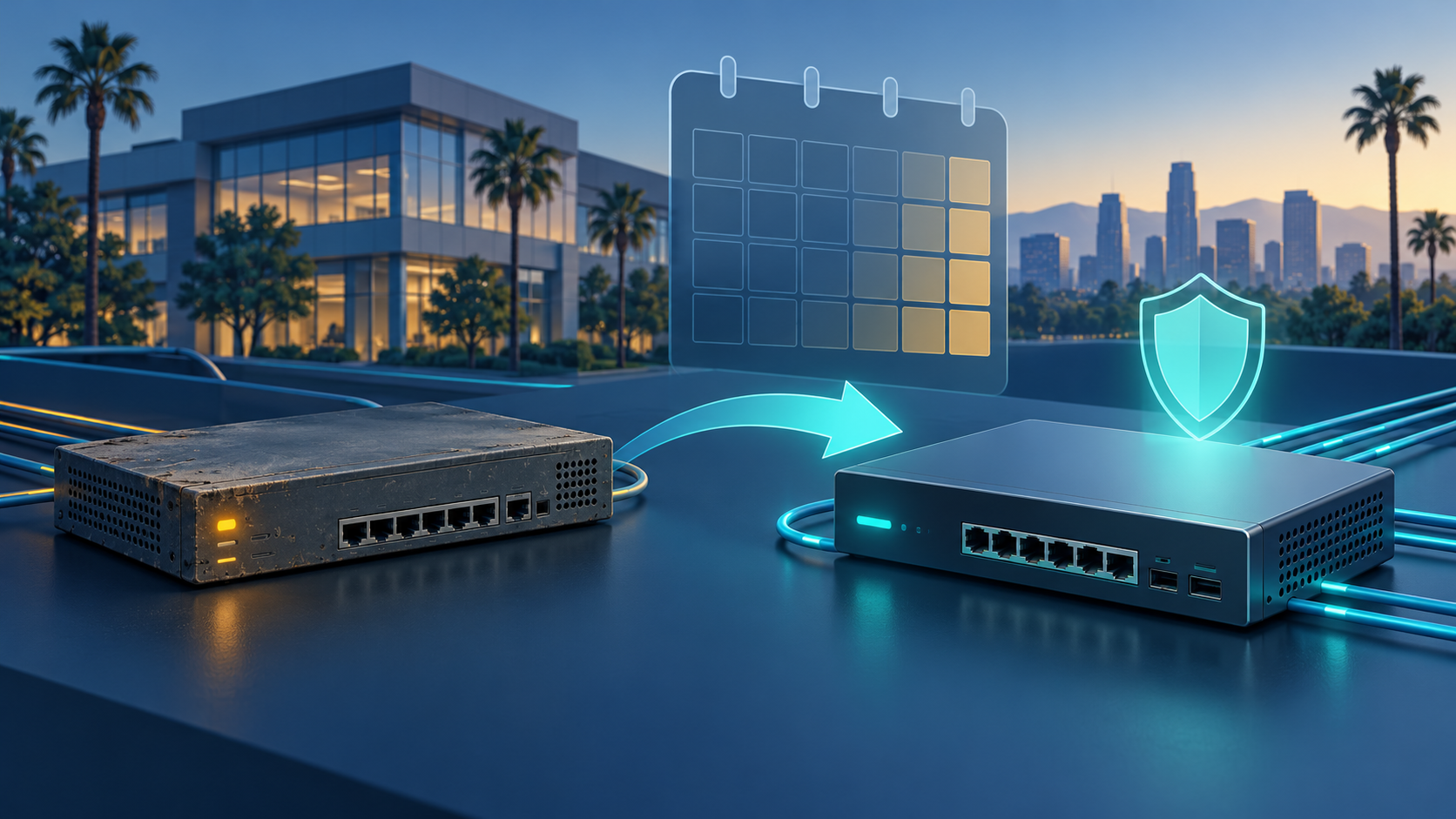
Featured image: original conceptual illustration of network equipment replacement, not a photograph of a customer installation or a documented incident.