Nighttime Security Camera Testing: Verify Usable Images Before Handoff
A practical after-dark surveillance acceptance checklist: define the task, inspect infrared reflections, test moving subjects, and verify saved recordings before closeout.
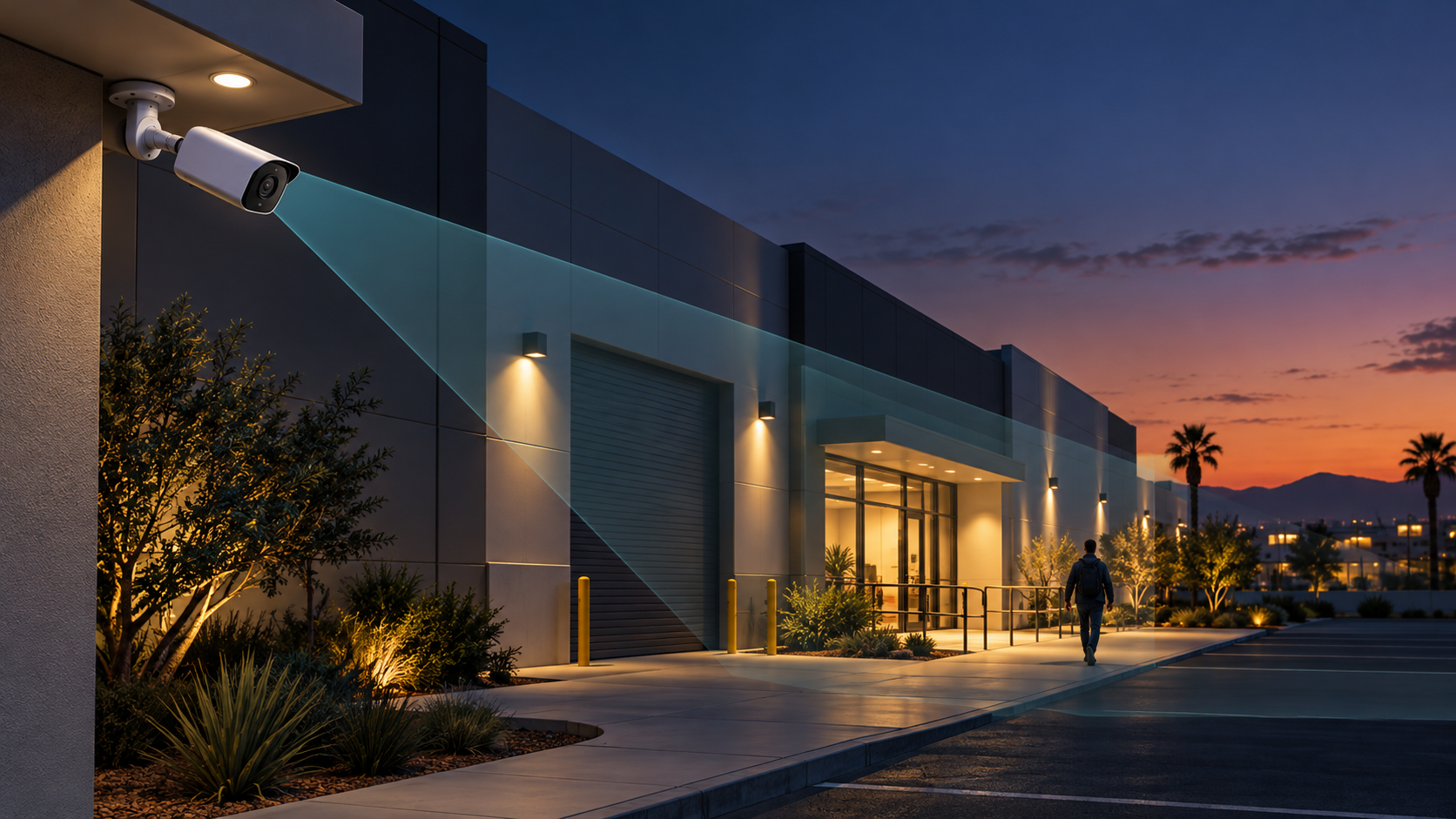
A security camera can show a crisp empty parking lot and still fail to capture useful detail when someone walks through it. Before accepting a surveillance installation, require a nighttime demonstration with movement at the locations that matter. A daytime screenshot is not evidence that the system meets an after-hours business requirement.
For Southern California offices, warehouses, and commercial properties, nighttime camera acceptance should be planned before installation is considered complete. The checklist below proposes practical commissioning controls. It is not a customer incident report, a promise of identification, or a universal camera configuration.
Why a bright picture is not the acceptance criterion
Axis Communications explains that slow shutter speeds can make moving objects appear blurred even when a stationary low-light scene looks sharp. Its troubleshooting guide recommends validating a camera in the required lighting conditions and with the expected motion in the scene.[1]
Translate that guidance into a business question: what must a reviewer be able to determine from the recorded video? Seeing that someone entered a loading area is a different requirement from distinguishing the detail needed for a particular investigation. Define the task, location, and viewing conditions before discussing image adjustments.
1. Define the nighttime task for each critical view
Build a short acceptance matrix with the owner, installer, and recording-system administrator. Give each view a specific purpose rather than assigning every camera the same generic requirement.
- Area and target: identify the doorway, pedestrian approach, receiving lane, or other approved observation point. Mark where the relevant detail must be visible.
- Expected action: describe ordinary walking, a vehicle approaching an authorized test point, or another safe and representative activity.
- Required observation: write what the reviewer must determine, such as direction of travel or the sequence of an entrance event. If facial detail or plate readability is required, make it a separate design and test requirement rather than an assumption.
- Operating conditions: record which building lights remain on after closing, which are scheduled, and which activate on motion. Include normal gate and door positions.
- Recording path: identify the camera and recorded stream to be reviewed, the authorized reviewer, and the acceptance decision owner.
Agree on exclusions in writing. If the system has not been designed for a distant property boundary or a fast-moving vehicle, do not quietly add that promise during closeout. Use test participants and routes approved by the property owner, and avoid collecting unnecessary images of neighboring properties or uninvolved people.
2. Inspect the installed view before adjusting settings
Compare each critical camera with the approved drawing and intended observation point. Review mounting, aiming, focus, obstructions, and the final scene after landscaping, signage, doors, and lighting are in place. Arrange safe access for inspection; do not use an improvised ladder setup or enter a live vehicle path to complete a test.
Look for infrared reflection paths
Axis documents that infrared reflections can appear in night mode even when the daytime image looks normal. For dome cameras with built-in IR, its listed causes include nearby objects, external light sources, water droplets, and dirt or dust on the dome.[1]
Inspect nearby walls, eaves, glazing, and fixtures against the manufacturer's installation guidance. Check the enclosure and optical surfaces using the approved maintenance method. For an applicable dome model, have the installer verify the internal light-blocking components described in its instructions. Do not remove seals, paint equipment, apply chemicals, or modify an enclosure as an improvised reflection fix.
Record the installation condition before changing exposure or IR intensity. If the view fails only after switching to night mode, preserve a sample and investigate placement and reflections as well as settings.
3. Review exposure choices without chasing brightness
Axis explains that increasing gain can brighten an image while also amplifying noise. It also describes a trade-off between low noise and low motion blur in its devices.[1]
Have the responsible administrator review the installed model's exposure, gain, illumination, and image-processing controls. Record the baseline configuration and change one relevant variable at a time. Do not copy shutter or gain values from another site and describe them as universal acceptance settings.
- Movement detail: compare the moving subject with the agreed observation task, not just the sharpness of the background.
- Illumination: test with the lighting arrangement the business actually operates. If additional lighting is proposed, coordinate electrical scope, property approval, and effects on neighboring areas.
- Near and far positions: repeat at the relevant points in the view rather than tuning only for a person standing beside the camera.
- Recording settings: document which stream, resolution, frame rate, and compression settings are being accepted. Retest after changes instead of assuming the earlier sample still applies.
If the required detail cannot be demonstrated, evaluate a revised view, dedicated camera, or lighting change. Treat increased brightness as a configuration change to assess, not as proof that the requirement has been met.
4. Run a controlled after-dark acceptance test
Schedule the test after the site reaches its normal nighttime operating state. A late-afternoon demonstration with every work light on should not substitute for that condition. The following procedure is a recommended project control, not a manufacturer-prescribed test standard.
- Capture the baseline: record camera ID, location, date, lighting state, relevant settings, and expected observation before the participant enters the scene.
- Walk the approved route: have an authorized participant move naturally through the relevant observation points and directions. Include movement across the view and toward or away from it where the task requires.
- Repeat representative conditions: include normal lighting changes and approved door or gate positions. Test vehicle activity only in a controlled area with a safe plan; do not create a traffic hazard.
- Review the saved recording: retrieve the relevant interval from the system's normal recorded stream. Evaluate it at ordinary playback and pause on the moments the business needs to understand.
- Record an explicit result: mark each task as passed, failed, or not tested. Attach the authorized sample reference and a short explanation of what the reviewer could determine.
- Correct and repeat: preserve the original observation, document the change, and repeat the affected test. Check that the adjustment has not made another required view or daytime condition unacceptable.
Separate live-view success from recorded-video acceptance
Make the recorded result the evidence for a recording requirement. Ask the reviewer to identify the actual camera, interval, and recording profile used. Do not substitute a phone photograph of the live monitor for the agreed playback check.
Keep the test limited to image usability. Storage retention, timestamp accuracy, export procedures, and access permissions need their own acceptance checks; a successful night walk-through does not verify those functions.
5. Close out deficiencies, evidence, and maintenance ownership
Require a closeout package containing the camera-to-location list, approved observation tasks, lighting assumptions, configuration reference, test results, sample locations, unresolved limitations, and the person responsible for follow-up. Store footage in an access-controlled location with an agreed retention period rather than circulating identifiable test clips in unrestricted email.
For each deficiency, identify the corrective action, owner, and retest requirement. If a necessary lighting or positioning change falls outside the installation scope, record that decision explicitly. An unresolved task should not become an undocumented promise simply because the project is otherwise complete.
Establish a maintenance and retest trigger. Review the affected view after camera replacement, re-aiming, lighting changes, new signage, or a material recording-profile adjustment. Schedule optical cleaning and inspection according to the installed equipment's instructions and actual site conditions.
Accept a nighttime camera on what the recorded scene lets you determine while the subject is moving, not on how bright an empty scene looks.
How SkaiCloud Network helps
SkaiCloud Network can help scope surveillance infrastructure, coordinate camera locations and network requirements, and define installation testing and closeout documentation. Establish who owns camera configuration, lighting coordination, recording administration, and final acceptance before the work begins.
Before signing off on the next camera installation
Choose one business-critical view and one realistic after-dark task. Ask the installer to demonstrate the task in the saved recording under the site's normal lighting conditions. Expand that evidence into the acceptance matrix before approving the remaining views. Discuss nighttime surveillance testing and project closeout with SkaiCloud Network before installation is treated as complete.
Featured image: original conceptual illustration, not a customer site photograph, test result, or camera coverage design.