OSDP Secure Channel: Verify Reader Security Before Access-Control Handoff
A practical access-control commissioning checklist: verify reader compatibility, cable reuse, Secure Channel enforcement, legacy converter limits, fault response, and closeout evidence.
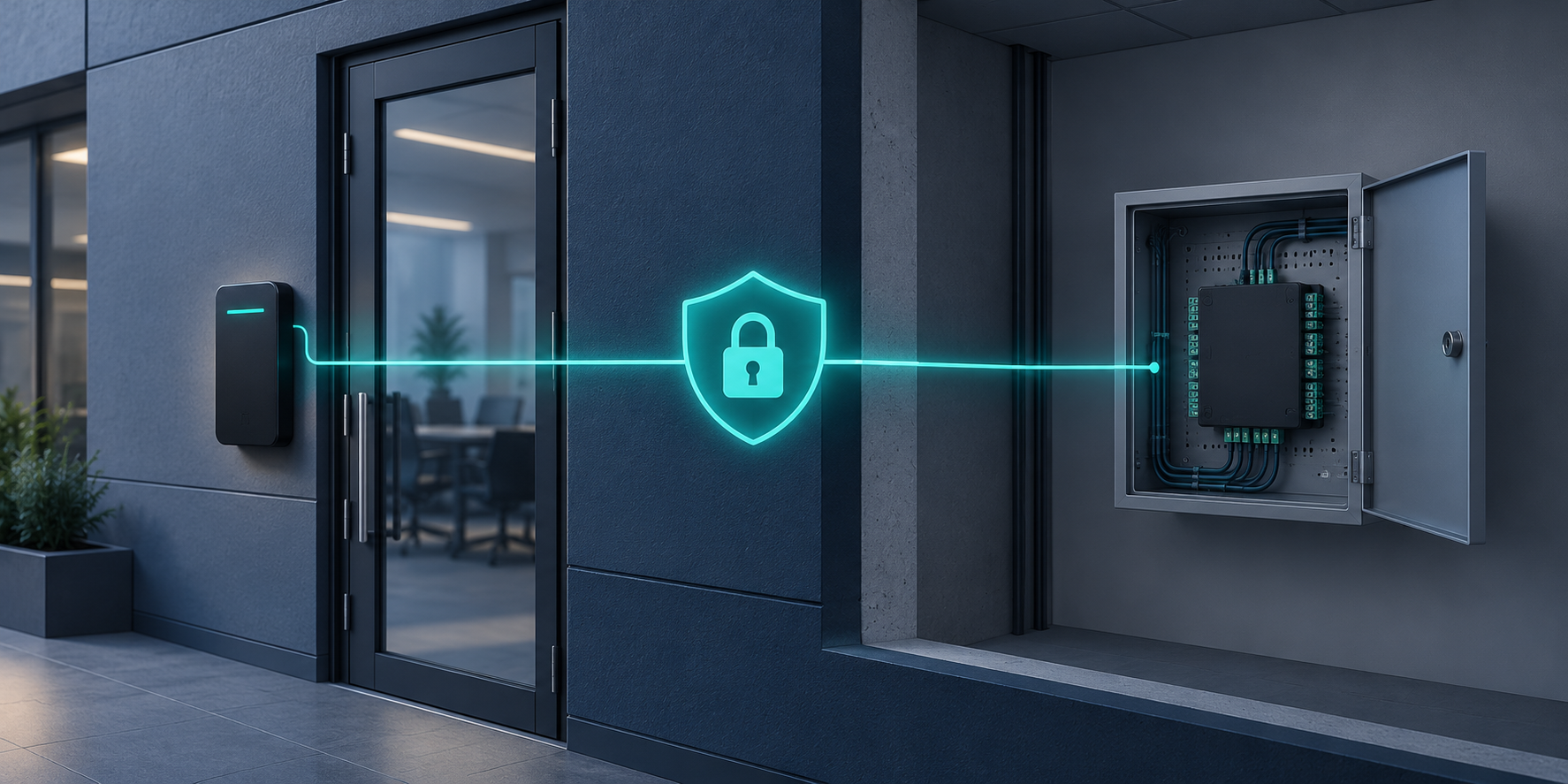
A card reader can unlock the correct door while the communication link behind it remains unprotected. A successful badge presentation proves an access decision worked; it does not prove that reader-to-controller encryption is enabled, enforced, or preserved after a restart. For Southern California businesses replacing readers or accepting a new access-control installation, those are separate acceptance requirements.
Define what the reader upgrade must actually protect
Open Supervised Device Protocol, or OSDP, and its Secure Channel capability should not be treated as interchangeable purchase descriptions. In its A4130-E reader documentation, Axis describes Secure Channel as line encryption between the controller and reader and provides separate steps to enable it.[1] Read the Axis reader configuration guidance. Specify the required operating state, not just a product that supports the feature.
Before ordering hardware, write an acceptance requirement identifying each reader, its controller, the supported software and firmware combination, and how the installer will demonstrate protected communication. Ask whether the installed combination can require Secure Channel rather than merely allow it. Do not assume another manufacturer's enrollment, enforcement, or recovery procedure matches the examples below.
- Identify the protected segment: mark the physical reader-to-controller route, any intermediate converters, and the location of equipment on the secure and unsecured sides.
- Record compatibility: confirm the exact reader and controller models, supported protocol modes, and manufacturer instructions for the installed versions.
- Define acceptance evidence: require recorded configuration, an available operational indication of Secure Channel status, and functional tests for each door.
- Assign ownership: name the party authorized to enroll devices, manage keys, approve changes, and respond to reader communication faults.
Survey the existing cable before reusing it
Make cable reuse an inspected design decision rather than an assumption hidden inside a reader replacement quote. Trace the route, identify splices and intermediate boxes, and reconcile conductor use at both ends. Compare the installed cable and topology with both manufacturers' requirements for the selected equipment. Include distance, conductor size, shielding, power requirements, termination, and permitted reader count in that review.
The A4130-E manual identifies reader address settings and an RS485 termination setting for the last reader on its OSDP line.[1] Axis documents the model-specific switch functions. That is a reason to record the actual bus layout and final device settings, not a universal wiring prescription for every product. Do not copy switch positions from a different reader model or assume an existing Wiegand cable arrangement is automatically suitable.
Separate communication checks from power checks
Verify reader power using the installed equipment's specifications and an approved test procedure. Record the source, relevant measurements, and any shared loads. Then verify communication settings independently. If a reader repeatedly disconnects, investigate wiring, power, topology, and configuration before weakening the security setting to make the symptom disappear.
A converter does not encrypt the legacy reader segment
When a project retains Wiegand readers through a converter, document the remaining boundary clearly. Axis states that its TA1101-B converts Wiegand data to OSDP and explicitly warns that Wiegand data is not encrypted.[2] Its manual recommends locating the Wiegand reader as close as possible to the converter when using Secure Channel.[2] Review the converter's security and installation notes.
Do not describe that arrangement as encrypted from the original reader to the controller without qualifying the unencrypted reader-to-converter portion. On the as-built drawing, show where conversion occurs and identify the residual exposure. Ask whether native compatible readers are a better fit for the intended protection requirement. A converter can be a migration choice, but the acceptance record must describe the system actually installed.
Control enrollment and prove enforcement
Schedule enrollment as a controlled commissioning activity. Restrict physical access to the equipment and wiring during setup, use the manufacturer's supported process, and keep key material out of shared drawings, routine screenshots, email threads, and general closeout folders.
For the A4130-E example, Axis warns that the encryption key is transmitted in plain text during initial setup and says the RS485 wiring and devices should be supervised during that process.[1] The same manual distinguishes enabling Secure Channel through software from enforcing encrypted communication using the reader's hardware setting.[1] These enrollment and enforcement instructions are product-specific; verify the corresponding behavior on the selected system rather than generalizing the switch number or setup sequence.
- Record the starting configuration: capture model, firmware, door identity, reader address, controller port, and the planned communication mode. Exclude secrets.
- Enroll under controlled conditions: confirm who is present, secure the setup area, and apply the supported key-management procedure.
- Confirm the operating state: inspect the controller or management interface for available Secure Channel status. Record what the indication means according to that product's documentation.
- Verify required-mode behavior: use a manufacturer-supported test to establish that the reader will not silently operate in an unacceptable unencrypted mode. Perform disruptive tests only in an approved maintenance window.
- Restart and recheck: safely restart the agreed components, confirm protected communication returns, and repeat representative credential tests.
Commission the door, not only the data link
A protected reader link does not establish that credential permissions, door hardware, or every other system interface is correct. Treat those as separate test items. Use an approved test script with facilities and security staff, and coordinate changes affecting locking or egress with the responsible qualified parties. Do not bypass required safety functions to complete a communications test.
- Authorized access: present a test credential with the intended schedule and access level; verify the correct door responds and the event is associated with the correct reader.
- Denied access: test a credential that should not be admitted and confirm the expected denial and event record.
- Fault visibility: test a supported reader-disconnection or tamper scenario where applicable. Confirm the agreed event reaches the assigned operator, not merely a local diagnostic screen.
- Recovery: restore normal conditions, confirm the fault clears as designed, and recheck Secure Channel status and credential operation.
- Door behavior: separately verify door monitoring, request-to-exit functions, and approved lock behavior within the authorized commissioning scope.
Closeout evidence that supports the next service call
Require a per-door record with reader and controller identifiers, cable route references, converter locations, software and firmware versions, final communication settings, evidence of protected operating state, and test results. Include exceptions, corrective work, and retest results. Store key-management and recovery procedures in the approved restricted system; reference their location without placing keys in the closeout package.
Plan for reader replacement before the first failure. Identify who can authorize re-enrollment, how a replacement is securely commissioned, and which tests must be repeated. Recheck the affected link after reader replacement, controller replacement, factory reset, or a material software change rather than carrying forward the original acceptance result.
How SkaiCloud Network helps
SkaiCloud Network can help scope access-control cabling surveys, coordinate reader and controller requirements, and organize a documented commissioning and handoff plan. Define responsibilities for door hardware, safety interfaces, access policy, software administration, and ongoing support before installation begins.
Before approving an access-control upgrade, ask one direct question: what saved evidence proves each reader is operating in the required protected mode? Start with a door inventory and a written acceptance script, then resolve compatibility and legacy-converter exceptions before procurement. Discuss an access-control reader upgrade and commissioning scope with SkaiCloud Network.
Featured image: original conceptual illustration of protected reader-to-controller communication, not a photograph of a specific installation.