Before You Add More Security Cameras, Audit the Network Behind Them
An IP-camera expansion can overload PoE, switching, storage, and uplinks if the supporting network is not assessed first.
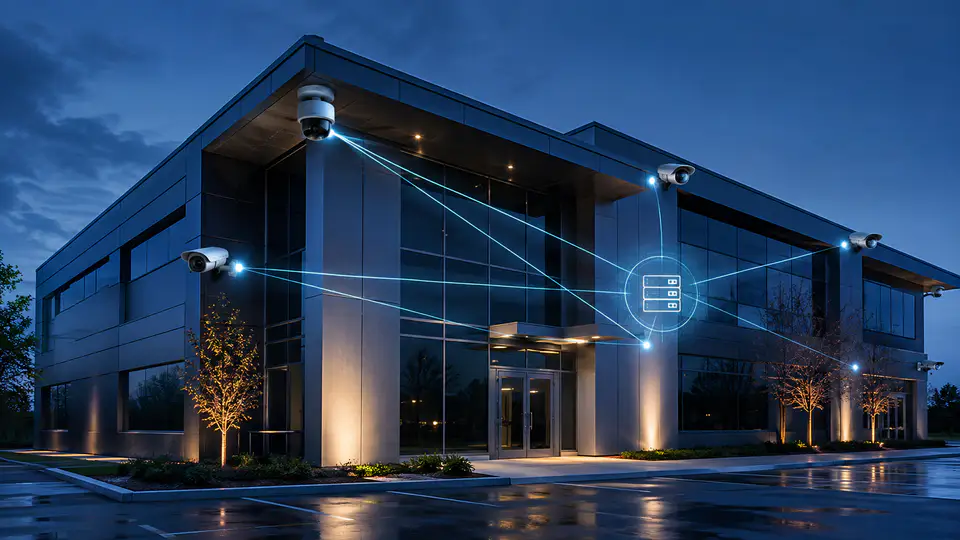
Adding cameras seems straightforward until the new feeds overload a switch, exceed the PoE budget, or consume more storage than the recording system can retain. A camera project is a network project with security and operational consequences.
Why Expansion Planning Matters
Every camera adds power demand, bandwidth, addressing, storage, and maintenance requirements. The correct design depends on resolution, frame rate, compression, retention, viewing patterns, and the path from camera to recorder.
Five Checks Before Installation
- Coverage: confirm the camera solves a defined visibility problem and is positioned for useful evidence.
- PoE capacity: verify switch power budgets, port availability, and cable performance.
- Uplinks: calculate aggregate traffic and confirm closet-to-core links can carry it.
- Recording: validate storage capacity, retention expectations, and failover behavior.
- Security: isolate cameras, restrict administrative access, and document firmware and support responsibilities.
Common Mistakes
Choosing cameras from a brochure without surveying lighting, pathways, network capacity, and recording requirements can create blind spots and expensive rework.
A camera upgrade succeeds when the evidence path—not just the lens—is designed.
How SkaiCloud Network Helps
SkaiCloud Network can survey coverage, cabling, PoE, switching, VLANs, and rack capacity before coordinating a scalable IP-surveillance deployment.
Final Thoughts
Define the operational outcome first, then verify the infrastructure can support it. Contact SkaiCloud Network for an IP-camera expansion assessment.