Business Internet Troubleshooting: Build an Incident Record Before Calling the ISP
Scope recurring connectivity investigations around timestamped evidence, safe comparisons, clear support responsibilities, and a useful ISP escalation package.
Your internet provider reports a healthy circuit, but staff still lose calls, cloud sessions, or order-entry access. Another reboot may restore service temporarily without answering the question that matters: what failed, when did it fail, and which support team has enough evidence to investigate?
Business internet troubleshooting should produce an incident record before it produces a purchase recommendation. For businesses in Los Angeles, Orange County, the Inland Empire, and San Diego, the following recommended workflow helps scope a diagnostic service visit and build a useful escalation package. It addresses recurring trouble on an operating connection—not acceptance of a newly installed circuit.
Define the Incident Before Naming the Cause
Replace “the internet went down” with an observable event. Did every workstation lose access, did wireless scanners disconnect in one aisle, or did one application stop responding while other services remained usable? Record what staff actually observed and keep the suspected cause in a separate field.
- Time: start and recovery times, date, time zone, and whether the times came from a device log or a person's estimate.
- Scope: affected users, locations, wired or wireless connections, devices, and applications; note an unaffected comparison where available.
- Symptom: exact error message, failed operation, dropped session, or unusually long response—not only a description such as “slow.”
- Context: recent changes, scheduled uploads, maintenance, power events, or other activity observed around the same time. Treat a coincidence as a lead, not proof.
- Action: who intervened, what changed, when it changed, and what happened afterward.
Use one incident identifier across the internal ticket, monitoring notes, and carrier case. Ask the technical team to reconcile clock differences before comparing events from multiple systems. If immediate restoration takes priority, record the available evidence and the restoration action rather than delaying an essential recovery.
Preserve a Safe Comparison Point
Agree with your IT administrator on a known, authorized wired workstation and an approved test plan. Record its switch connection, network assignment, VPN state, and the active internet path. Compare its experience with an affected device during the same incident window where practical. Do not silently disable a VPN or security agent to make the comparison look cleaner.
Ask the technical team to observe several layers separately: the workstation's local connection, the local gateway, approved external destinations, name resolution for the affected service, and the application itself. Record the destination, test method, duration, and result for each. An observation should be reproducible without relying on the technician's memory.
A useful question is “which checks changed together?” rather than “which single test failed?” If the local comparison remains stable while multiple external checks deteriorate, ask the team to investigate the shared outbound path. If only one application fails, request application-specific evidence and the vendor's service-status information. These are investigation branches, not automatic assignments of blame.
Do Not Turn a Traceroute Screenshot Into a Verdict
Microsoft documents that some routers do not return the time-exceeded messages used by tracert and can appear as asterisks in its output.[10] Do not present an isolated row of asterisks as sufficient proof of a broken carrier router.
Microsoft's pathping example also distinguishes routers dropping packets addressed to themselves from their ability to forward other traffic.[9] Ask the technical reviewer to interpret intermediate-hop observations alongside destination results and the reported application failure, not as a standalone fault certificate.
Keep the full output, destination, source, and timestamp rather than cropping the most alarming line. Request a healthy-period comparison when available. Use diagnostic probes only against approved destinations and at an approved rate; Microsoft's pathping guidance specifically recommends a sufficiently slow pace to avoid congestion and minimize burst-loss effects.[9]
Capture the Network State Without Bypassing Security
Have an authorized administrator preserve relevant observations before changing the configuration. Request the following where the installed equipment supports them:
- Interfaces: link transitions, negotiated connection details, error counters, and the period over which counters accumulated.
- Load: upload and download utilization, relevant device-resource observations, and scheduled activity during the incident.
- Routing: which internet circuit was active, any failover event, and the routing or VPN context of the tested session.
- Events: firewall, switch, access-point, and carrier-equipment logs available within the authorized scope.
- Service checks: the affected operation, any request or correlation identifier supplied by the application, and an authorized comparison result.
Do not interpret an accumulated counter without its time context. Ask whether a counter increased during the incident rather than assuming an old total explains a new complaint. Preserve the original export before annotating it.
Do not connect an ordinary office laptop directly to a carrier handoff, bypass the firewall, factory-reset equipment, or disconnect an unidentified cable as an informal test. Any isolation work needs an authorized method, security controls, a service-impact review, and a rollback plan. Prefer non-disruptive observation until the responsible parties agree that a controlled change is necessary.
Scope a Troubleshooting Engagement Around Deliverables
When requesting business internet troubleshooting or network repair, ask what the initial diagnostic engagement will deliver even if the fault does not recur during the visit. Avoid an open-ended promise to “fix the internet” without agreed access, test boundaries, or reporting.
- Discovery: identify the circuit, carrier handoff, network equipment, support ownership, and affected business workflows.
- Observation plan: specify approved test points, observation windows, required permissions, and how staff report a recurrence.
- Evidence review: correlate incident times with available logs and comparisons, distinguishing findings from hypotheses.
- Escalation: name who opens the carrier or application-vendor case, attends a joint test, and tracks the next action.
- Change control: price or authorize corrective work separately where it falls outside the diagnostic scope.
- Closeout: deliver a readable incident summary, supporting records, remaining uncertainty, and recommended next steps.
For occupied offices and warehouses, include access hours, escorts, shared telecom-room permissions, and an approved interruption window where needed. If the installation contractor, MSP, carrier, and application vendor are different parties, assign one coordinator rather than sending staff between help desks.
Give the ISP a Specific Investigation Request
Build a concise escalation package with the circuit identifier, service address, authorized contact, incident times and time zone, affected scope, test source, destination results, and relevant event extracts. Include previous ticket numbers and what has already been tried. Share sensitive configuration details only through an approved support channel; exclude passwords, tokens, unrelated customer information, and unnecessary packet contents.
Separate the package into three parts: observed facts, working hypotheses, and requested checks. For example, request a review of carrier-side interface events during a named incident window rather than declaring a carrier fault from a single screenshot. Ask the provider to document its findings, test conditions, and next action in the case.
If an approved carrier test interrupts service, coordinate the window and business notification first. Keep a record of the temporary arrangement and restore the intended configuration afterward. Do not let an emergency workaround become an undocumented permanent network change.
Close the Incident With Evidence, Not Silence
Agree on a recovery review tied to the affected workflow and representative operating conditions. Repeat the relevant checks after the correction, compare the records, and document whether the original symptom returned during the agreed observation period. Do not claim that an intermittent fault is permanently resolved merely because it did not occur during a short visit.
If the cause remains uncertain, close the visit with a documented next observation plan—not an invented diagnosis. Record the monitoring owner, recurrence trigger, escalation contact, unresolved hypotheses, and any approved temporary controls. Keep the final change record and incident package with the network documentation.
The strongest escalation does not begin with “your circuit is bad.” It begins with a timestamped account of what failed, what stayed working, and what the responsible teams should check next.
Prepare a Focused Troubleshooting Review With SkaiCloud Network
SkaiCloud Network can help assess business network infrastructure, coordinate physical-layer and network-side investigation, and define practical testing and documentation requirements. Gather your circuit information, a current network sketch, support contacts, and a short incident history before requesting a diagnostic scope.
If connectivity keeps failing without a clear explanation, request a business network troubleshooting scope review. Start with a shared incident record and an agreed evidence plan before approving replacement hardware or a faster internet plan.
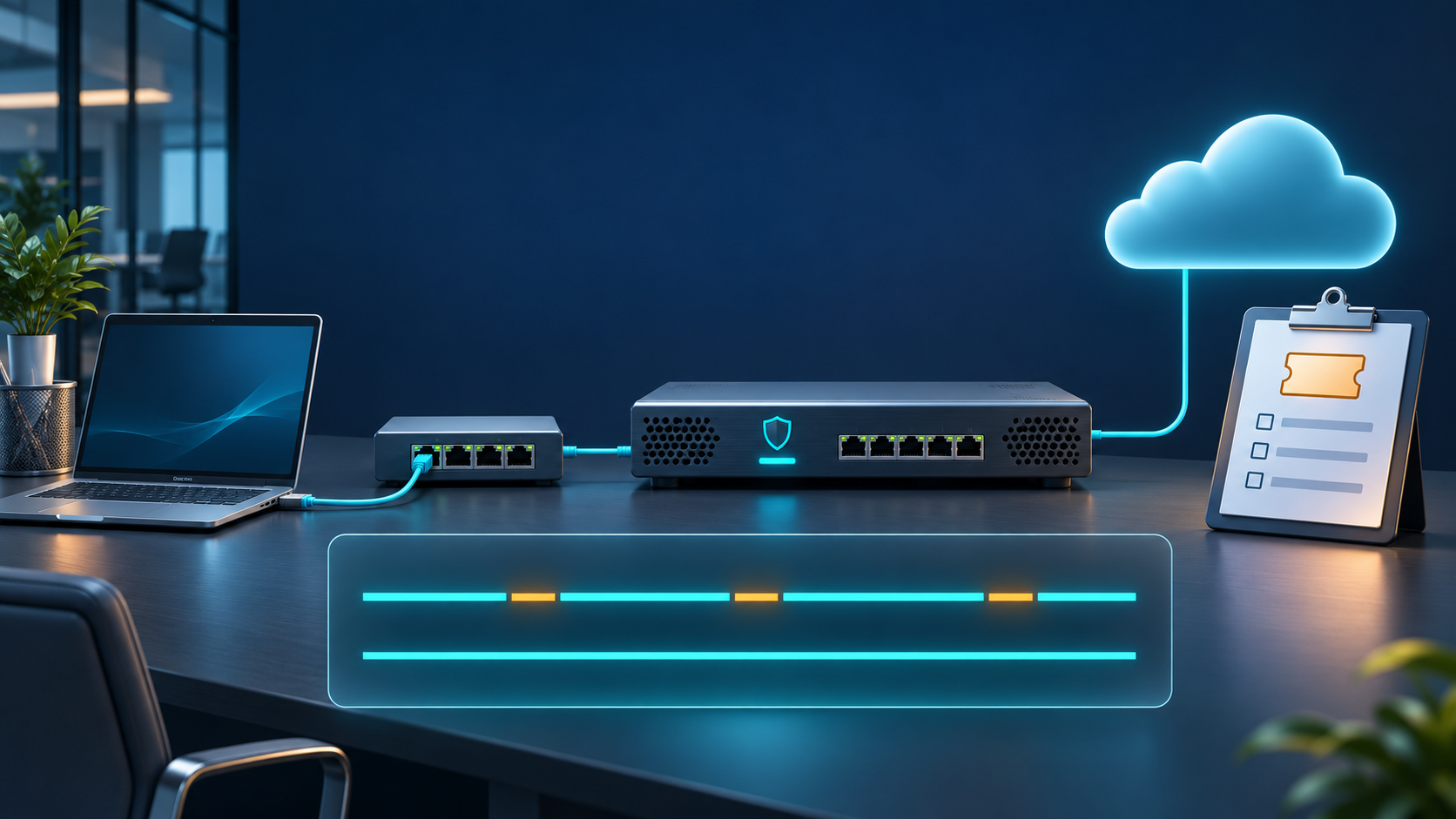
Featured image: conceptual AI-generated illustration of network troubleshooting and comparison timelines; not a client installation photograph, measured test result, or implementation diagram.