MDF and IDF Documentation: The Network Map Your Next Technician Needs
Accurate MDF and IDF documentation reduces troubleshooting time, prevents unsafe changes, and makes future network expansions more predictable.
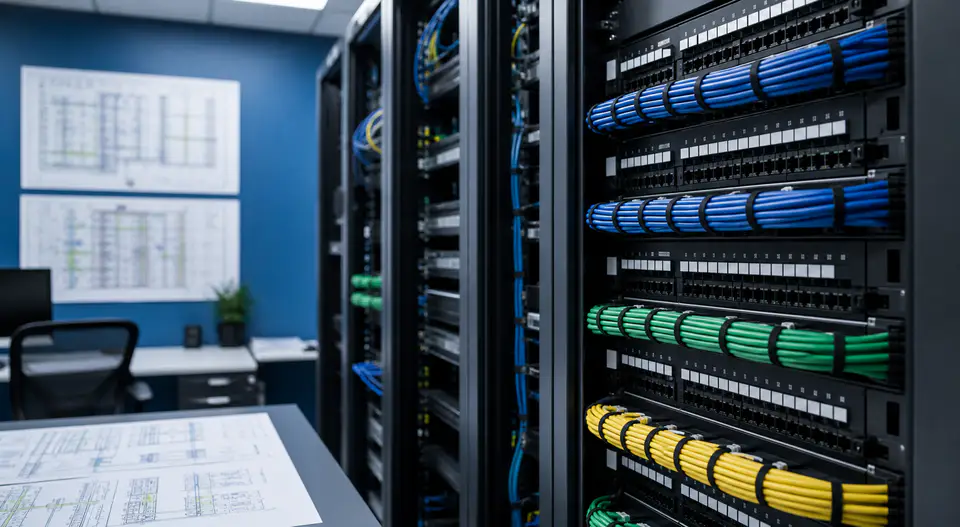
A network closet can be physically organized and still be operationally undocumented. Without accurate rack elevations, patching records, cable labels, and uplink information, every service call begins with investigation instead of action.
What MDF and IDF Records Should Show
Documentation should connect the building’s physical pathways to the active network. It should be understandable to someone who did not install the original system.
Essential Documentation
- Rack elevations: show equipment position, model, power, and available space.
- Patch-panel maps: connect panel ports to rooms, outlets, devices, and switch ports.
- Fiber and uplink records: document strands, terminations, labels, routes, and active paths.
- Power information: identify circuits, UPS protection, and equipment dependencies.
- Network references: record VLANs, management addresses, switch names, and ownership without exposing credentials.
- Test results: retain copper and fiber certification results with the closeout package.
Common Mistakes
Taking photos without labels or updating a drawing without verifying the field condition creates a document that looks complete but cannot be trusted.
Documentation is part of the infrastructure, not paperwork added after the work.
How SkaiCloud Network Helps
SkaiCloud Network can survey MDF and IDF spaces, label and test connections, build rack and pathway records, and deliver practical as-built documentation.
Final Thoughts
Update the map whenever a cable, device, or pathway changes. Contact SkaiCloud Network to organize your network documentation.