Vendor Remote Access: Prove the Limits Before Granting Support
A practical vendor remote-access checklist covering accountable identities, MFA, scoped permissions, allowed and denied tests, session revocation, logs, and operational ownership.
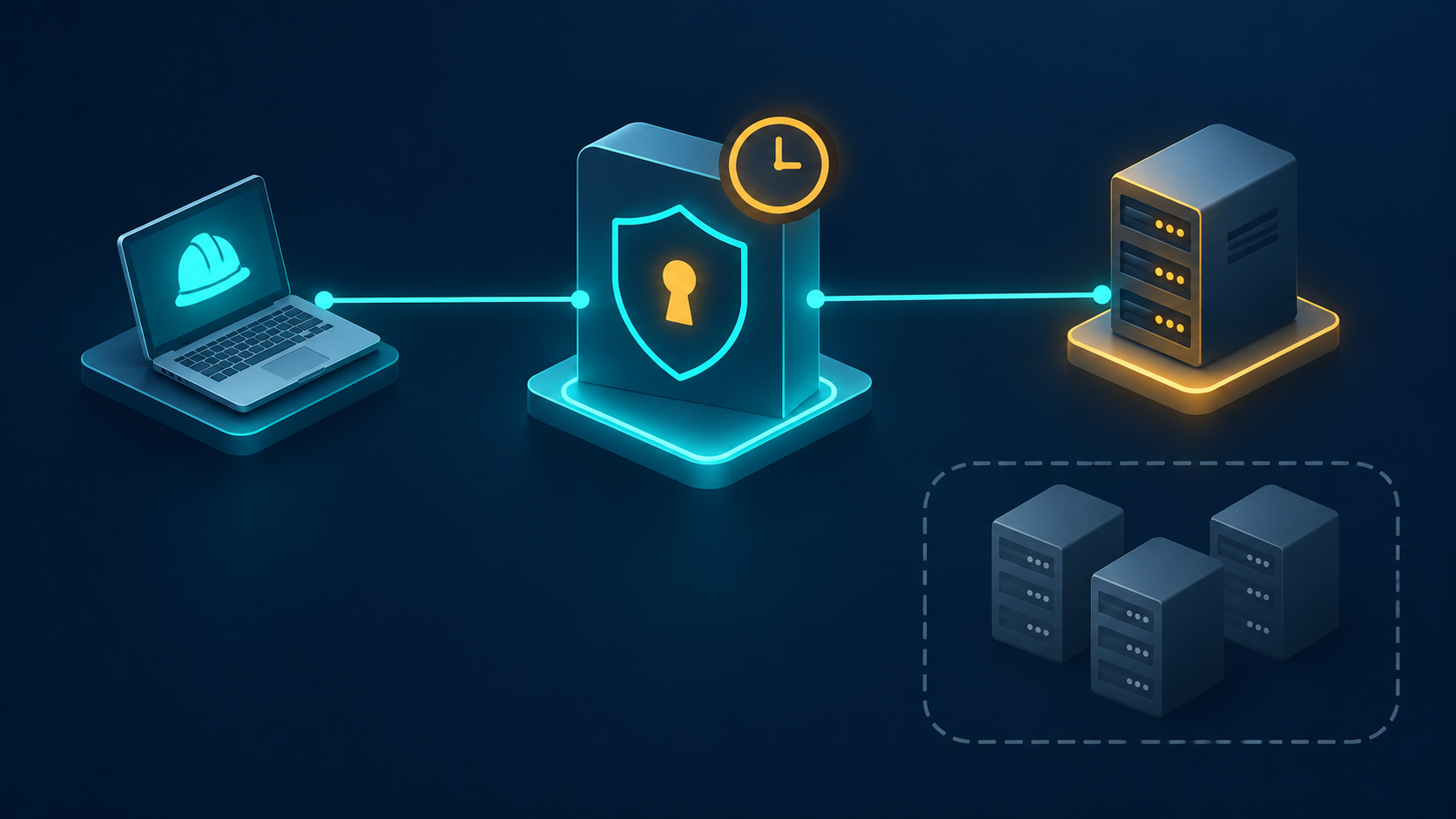
A vendor may need ten minutes to troubleshoot a recorder, firewall, or business application. That should not become indefinite access to every system in the building. Before approving remote support, establish exactly who can connect, what they can reach, how their work is recorded, and how access ends.
For Southern California offices, warehouses, and commercial properties, remote access often crosses organizational boundaries: the property manager approves service, a specialist maintains a device, and a separate IT provider controls the network. This article offers a recommended acceptance workflow for those handoffs. It is not a customer incident report, a legal compliance checklist, or a claim that every remote-support product provides the same controls.
Why a successful connection is not enough
NIST's Zero Trust Architecture publication states that assets and accounts should not receive implicit trust solely because of their network location or ownership.[2] Apply that principle to a service visit: connecting through an approved gateway should not itself authorize access to unrelated business resources.
CISA and partner agencies recommend auditing remote-access tools and using application controls to manage their execution, including portable versions that run without installation.[1] An installed-software list alone is therefore not a sufficient acceptance record. Ask the administrator how approved tools are identified and how unauthorized execution is addressed.
The business acceptance question has two parts: can the specialist complete the authorized task, and can the organization demonstrate the boundaries around that task? Require evidence for both before calling remote access ready.
1. Inventory the actual access paths
Start with a joint review involving the business owner, IT administrator, and each support provider. Request a demonstration of the connection method rather than relying on a statement that the vendor uses a secure tool. Review the network configuration and relevant application portals together.
- Entry method: identify the VPN, remote-support agent, application broker, cloud management portal, or other approved service used to reach the environment.
- Destination: name the specific host, application, recorder, controller management interface, or network device that needs support.
- Identity: record the individual technician or accountable service identity, organization, approval owner, and authentication method.
- Privilege: state whether the task requires observation, configuration changes, file transfer, command execution, or administrative rights.
- Lifecycle: define the approval window, expiration or review event, emergency access procedure, and party responsible for removal.
Inspect existing firewall rules, remote-support agents, provider tenants, and device accounts for alternate paths. Record unexplained entries as unresolved exceptions. Do not delete a working connection until its owner and operational purpose are understood and a safe change is approved.
Separate human support from automation
A scheduled monitoring service and a technician's interactive login need different acceptance criteria. Identify unattended agents and service identities separately, with a documented purpose, limited scope, credential owner, and review process. Do not disable production automation merely to demonstrate that a temporary human account has expired.
2. Bind access to an accountable identity
CISA's joint advisory for managed service providers and their customers recommends MFA on accounts accessing customer environments and treats those accounts as privileged.[4] Put the authentication requirement into the support scope, then verify enforcement on the actual route the technician will use.
As a project control, prefer individually attributable accounts over a shared vendor login. Have the administrator demonstrate that the approved authentication policy applies to the account and entry service. Inspect alternate login methods and recovery procedures; do not infer that a downstream device's own account is protected simply because one portal requires MFA.
- Enrollment: identify who approves new technicians and verifies their relationship with the provider.
- Recovery: document who can reset authentication factors and how the request is validated.
- Administration: separate routine support permissions from exceptional elevated work where the platform supports it.
- Exceptions: if a legacy device cannot meet the requirement directly, document the controlled access path, remaining exposure, and business approval rather than claiming the device has native MFA.
Keep passwords, private keys, recovery codes, and tokens in an approved credential repository, not in the access matrix or closeout screenshots.
3. Limit the destination and the permitted task
The same joint advisory recommends least privilege, consideration of time-based privileges, and restriction of provider accounts to the systems the provider manages.[4] Translate those principles into an explicit access matrix instead of a broad permission labeled vendor access.
For example, a recorder specialist's approved scope might include one management application and its necessary supporting services, but exclude payroll systems, backup administration, and unrelated network-device management. This is a planning example, not a universal rule set: have the responsible administrator validate the actual product dependencies before implementing restrictions.
Review both the connection boundary and permissions within the destination. Require the designer to identify where enforcement occurs and which traffic or application actions it covers. Document any necessary supporting services individually. Do not create an unrestricted exception simply because a narrowly scoped first attempt failed.
4. Test allowed access and denied access
Run acceptance testing in an approved window with named participants, expected results, stop conditions, and a recovery procedure. Use non-sensitive test data. For surveillance and access-control environments, coordinate with the responsible system specialist and avoid production changes that affect recording, door operation, or life-safety interfaces.
- Establish the baseline: capture the approved account, connection method, target, permission set, authorization window, and relevant policy configuration.
- Prove the allowed task: have the actual support identity connect through the intended external route and complete a representative authorized action.
- Prove the boundary: attempt only preapproved, non-destructive connections to representative out-of-scope test resources. Record the denial and enforcement evidence. Do not conduct broad scanning or attempt exploitation.
- Check privilege limits: where safe, verify that an observation-only identity cannot perform an approved test change. Use a test environment if the production system cannot support this safely.
- Test alternate paths: review known legacy accounts, secondary portals, and direct device routes in scope. Record what was tested and what remains unverified.
- Retest corrections: preserve failed results, document the approved change, and repeat the affected test rather than replacing the original evidence with a final screenshot.
A single failed connection does not prove complete isolation. Identify the account, source, destination, protocol or application, and observed enforcement point for each test. Limit the acceptance statement to the paths actually evaluated.
5. Prove access ends—and distinguish new logins from active sessions
CISA's provider advisory recommends auditing account use and disabling provider accounts when they are not actively being used; it also warns that disabling accounts can be overlooked when a contract terminates.[4] Make removal a demonstrated procedure, not a promise in an email.
For the selected platform, test account disablement or expiration, a fresh login attempt, and the handling of an already established session as separate checkpoints. Have the administrator explain the supported revocation and session-termination mechanisms. Do not assume that preventing a new login automatically terminates an existing connection.
Record who can revoke access when the usual administrator is unavailable. If emergency access is required, define its approver, permitted scope, logging, and post-use review. Keep the procedure usable without distributing credentials in ordinary project documents.
6. Close out with logs and ownership, not just settings
CISA's joint advisory calls for monitoring and logging and for customer visibility into provider presence, activities, and connections as specified in contractual arrangements.[4] Confirm the visibility your particular tools provide; connection records and detailed activity records are not interchangeable.
Build the closeout package around the approved access matrix, identity and policy evidence, allowed and denied test results, revocation results, exceptions, configuration references, and responsible contacts. Locate the test session in available logs and confirm that an authorized reviewer can retrieve it. Record timestamps and time zones, retention settings, access restrictions, and the review owner without assuming every product records every action.
Set review triggers for a provider change, technician departure, device replacement, new support tool, or expanded service scope. Ask the business owner to accept unresolved limitations explicitly. A purchase order for remote support should identify who owns authentication, network rules, account removal, log review, and incident notification.
How SkaiCloud Network helps
SkaiCloud Network can help scope network infrastructure and managed IT coordination, map vendor dependencies, and define documented acceptance and handoff requirements. Establish the responsibilities of the business, IT provider, and equipment specialist before changes begin, particularly when support crosses surveillance, access control, cloud services, and the office network.
Before the next support session
Choose one existing vendor connection and request evidence of four things: the authorized identity, the exact allowed destination, a tested boundary, and a working revocation procedure. Discuss vendor remote-access planning and network coordination with SkaiCloud Network before expanding access to another system. A support connection is ready only when its limits are as clear as its purpose.
Featured image: original conceptual illustration of scoped, time-limited access; not a customer installation, product interface, or complete security architecture.